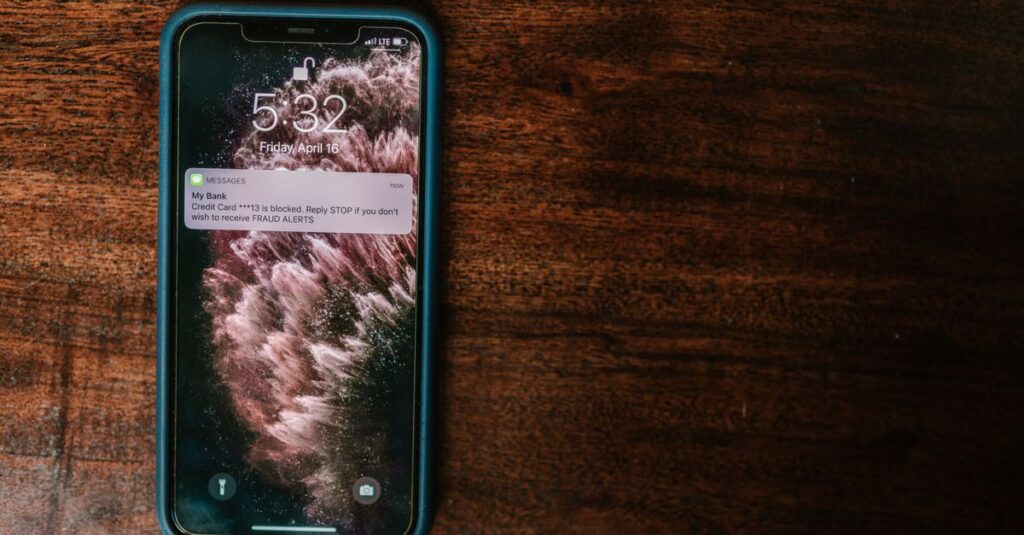
An MFA fatigue attack, also called push bombing, happens when someone who already has your password floods your phone with login approval requests until you tap “Approve” just to make the notifications stop. It works because a second factor only protects an account if it’s answered correctly, and a tired employee getting hit with ten prompts in a row at 11 p.m. often isn’t checking carefully. Boston-area businesses running plain push-to-approve sign-in on Microsoft 365 are exposed to exactly this trick.
- MFA fatigue attacks start after a password is already stolen, not before.
- Attackers send repeated approval prompts, betting that annoyance or confusion beats caution.
- Number matching, which requires typing a code instead of tapping “Approve,” blocks the basic version of this attack.
- Passkeys and hardware security keys remove the push prompt from the sign-in process entirely.
- One approved prompt can hand over the same access as a stolen admin password.
What is an MFA fatigue attack?
Multi-factor authentication is supposed to stop a stolen password from being useful on its own. An MFA fatigue attack gets around that by making the second factor the target instead. The attacker enters the correct username and password, which triggers a push notification on the real user’s phone, and does it again, and again, sometimes dozens of times in a short window. Most people who get hit with a wall of unexpected login prompts assume something is wrong with the app, not that someone is actively trying to break in.
How do attackers get the password to begin with?
Push bombing is step two of the attack, not step one. The password usually comes from a phishing email, a password reused from a breached consumer site, or malware sitting on a personal device that an employee or contractor also uses for work. CISA’s fact sheet on phishing-resistant MFA notes that push bombing is one of several known weaknesses in MFA that rely on a human response, alongside SIM swapping and SS7 interception. None of those techniques work without a valid password first, which is why reusing old passwords or skipping a password manager still matters even with MFA turned on.
Why does tapping “Approve” happen so often?
The best-known case is Uber’s 2022 breach. According to reporting on the incident, an attacker had already bought a contractor’s corporate password and spent roughly an hour sending repeated MFA push requests to that contractor’s phone. The contractor denied the first several, then approved one. A social engineering twist made it worse: the attacker also messaged the contractor on WhatsApp posing as Uber IT support, telling them the only way to stop the notifications was to accept one. The write-up of the breach is worth reading in full because almost none of it required sophisticated hacking. It required patience and a target who had no reason to expect an attack.
What actually stops push bombing?
Three changes close most of the gap. First, number matching changes a plain “Approve or Deny” prompt into one where the user has to read a number on their screen and type the matching digits into the Authenticator app, which defeats a reflexive tap. Microsoft’s documentation on number matching covers how it applies across sign-in, password reset, and registration. Second, rate limiting at the identity provider level can lock an account or throttle prompts after a handful of denials in a short period, so the flood never reaches the point of wearing someone down. Third, and most durably, moving high-value accounts off push notifications altogether and onto passkeys or FIDO2 hardware keys removes the attack surface, since there’s no prompt to approve by mistake.
Is Microsoft Authenticator still safe to use?
Yes, with number matching turned on it closes the specific gap that made the Uber-style attack possible. But it’s one layer, not the whole defense. We covered Microsoft’s move to make passkeys the default sign-in option for exactly this reason, and it’s worth reading alongside our piece on session-cookie theft, which bypasses MFA entirely once an attacker has a live session token. Push bombing and session hijacking are different attacks with the same lesson: MFA is a layer, not a guarantee, and the strength of that layer depends on which method you’re actually using.
Frequently asked questions
What should an employee do if they get a flood of unexpected MFA prompts?
Deny every prompt, change the account password immediately, and report it to IT or your managed services provider right away. Don’t wait to see if the notifications stop on their own, and never accept a prompt just to make them go away.
Does number matching cost extra on Microsoft 365?
No. Number matching is a configuration setting inside Microsoft Entra ID, included with the Microsoft 365 and Entra plans most small businesses already have. It needs to be turned on and applied to the right user groups, not purchased separately.
Are passkeys realistic for a small business with 10 to 50 employees?
Yes. Passkeys work with the same phones and laptops employees already use, and Microsoft has been pushing them as the default because the rollout doesn’t require new hardware for most staff. A phased rollout starting with finance and admin accounts is a reasonable first step.
Can a firewall or antivirus stop an MFA fatigue attack?
Not directly. This attack targets a person’s judgment, not a network perimeter or an endpoint. The fix lives in identity configuration (number matching, rate limiting, phishing-resistant MFA) and in training people to deny and report rather than approve and move on.
If your business is still running plain push-to-approve MFA on Microsoft 365, that’s the exact setup the Uber attacker exploited, and it’s a configuration change, not a hardware purchase, away from being closed. Boston Managed IT offers a free 15-minute Microsoft 365 security review to check whether number matching is enabled, which accounts still rely on basic push approval, and whether passkeys make sense for your highest-risk users. Call (617) 322-5155 or set up a time at bostonmit.com/contact.
— Boston Managed IT