Microsoft 365 passkeys became the default sign-in method on September 1, 2026, when Microsoft Entra ID (the identity system behind Microsoft 365 sign-in) began automatically enrolling users who rely on text or phone-call codes into a passkey registration prompt. If your business hasn’t touched its multi-factor authentication settings, some of your staff are probably seeing that prompt right now. Microsoft-provided SMS and voice authentication is being phased out entirely by February 1, 2027, so this is worth a look before it becomes a help-desk fire drill.
- Passkeys became the default Microsoft 365 sign-in experience on September 1, 2026, replacing text and voice codes for enrolled users.
- Microsoft-provided SMS and voice authentication retires February 1, 2027, and there’s no opt-out from that deadline.
- Businesses that need to keep text or call codes can set up a paid third-party telecom provider through the Microsoft Security Store starting October 30, 2026.
- Passkeys resist phishing in a way that codes never could, since there’s no code for an attacker to trick someone into typing.
- A short-term opt-out exists for admins who need more time to plan the migration.
What actually changed on September 1?
Any user in your tenant who was set up for SMS or voice authentication got automatically placed into a passkey registration campaign. The next time that person signs in and completes MFA, Entra ID nudges them to set up a passkey. Nobody is locked out and the prompt can be snoozed for now, according to Microsoft’s own retirement timeline. But the snoozing only buys time until February 1, 2027, when Microsoft-provided SMS and voice delivery stops working for good.
Why is Microsoft killing text message codes?
Text and voice codes are easy to phish. An attacker doesn’t need to break encryption; they just need to convince someone to read a six-digit code out loud or paste it into a fake login page. Boston Managed IT has already covered how device-code phishing scams target Microsoft 365 logins using the same basic trick: get a real person to hand over something a machine could never guess. Passkeys close that gap because there’s no code to intercept, guess, or trick someone into sharing. The credential is tied to a physical device or a synced credential manager and never travels over SMS at all.
What happens if my business does nothing?
Between now and February 1, 2027, not much changes operationally. Staff will see occasional prompts to register a passkey and can dismiss them. After that date, anyone whose only MFA method is a text or call code gets a blocking prompt: they must register a passkey on the spot before they can finish signing in, according to Microsoft. There’s no exception built into that requirement. If your business has field staff, warehouse workers, or anyone using a shared or low-spec device without biometric hardware, that transition needs planning now, not in January.
Should we pay for a third-party telecom provider instead?
For most small businesses, no. Passkeys are free, built into phones and laptops most people already carry, and faster to use than typing a code. A paid telecom provider through the Microsoft Security Store makes sense mainly for businesses in regulated industries with a documented compliance reason to keep SMS as a channel, not as a general convenience option. Microsoft opens details on those provider options on September 18, 2026, with actual configuration available October 30, 2026.
How should a Boston small business handle the rollout?
Start by finding out who in your organization still relies on SMS or voice for sign-in. Microsoft’s own PowerShell script for this is linked from its retirement guidance. Once you know who’s affected, walk them through registering a passkey on a phone, laptop, or security key while there’s no deadline pressure. This is also a reasonable moment to revisit MFA policy generally. Passkeys are a real upgrade, but they only help if every account actually has one, which is the same gap that leaves accounts open to session hijacking even when MFA is technically turned on.
Frequently asked questions
Do I have to switch to Microsoft 365 passkeys right away?
Not immediately. Microsoft is nudging enrolled users to register a passkey starting September 1, 2026, but the prompt can be snoozed until Microsoft-provided SMS and voice authentication retires on February 1, 2027. After that date, anyone whose only MFA method is a text or call code will be forced to register a passkey before they can sign in.
What is a passkey, in plain terms?
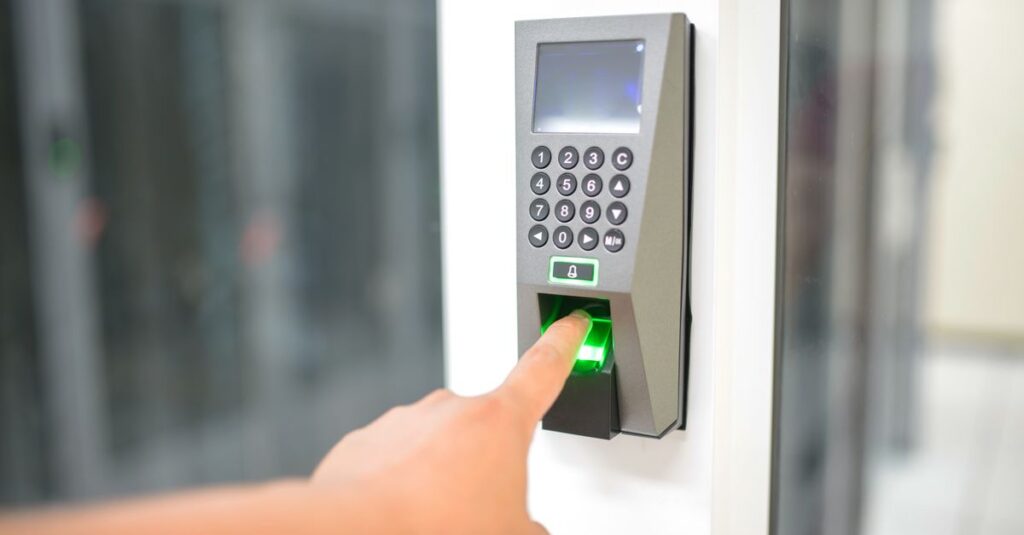
A passkey is a sign-in credential tied to your device or a synced credential store, such as iCloud Keychain, Google Password Manager, or Windows Hello. Instead of typing a code that can be intercepted or phished, you approve the sign-in with your fingerprint, face, or device PIN.
Can my business keep using text message codes for MFA?
Only if you set up a customer-managed telecom provider through the Microsoft Security Store. Microsoft opens details on that option September 18, 2026, with configuration available starting October 30, 2026. Without a configured provider, SMS and voice codes stop working for sign-in after February 1, 2027.
Will this change break anything for our employees on day one?
No. The September 1 change only auto-enrolls eligible users into a passkey registration nudge after they complete MFA. Nobody is locked out that day. The hard cutover for SMS and voice doesn’t happen until February 1, 2027.
If your team is still signing into Microsoft 365 with text message codes, the next five months are the window to fix that on your own schedule instead of Microsoft’s. Boston Managed IT will check your tenant’s authentication methods, flag every account still relying on SMS or voice, and walk your staff through passkey setup before the February deadline forces the issue. Call (617) 322-5155 for a free 15-minute Microsoft 365 security review or set one up at bostonmit.com/contact.
— Boston Managed IT