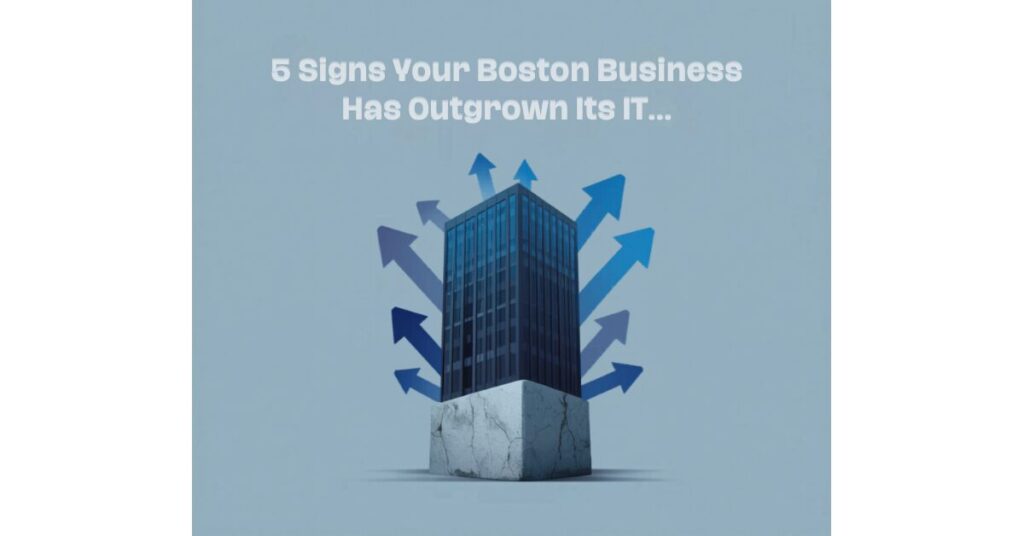
Most businesses don’t switch IT providers because of a single catastrophic failure. They switch because they slowly realize — often after years — that their IT has been quietly holding them back.
Here are the five signs we see most often when talking to Boston businesses who are ready for something better.
1. Your IT vendor is reactive, not proactive
If your IT vendor only shows up when something breaks, they’re not managing your IT — they’re reacting to it. A managed IT partner monitors your environment continuously, addresses issues before they become outages, and meets with you regularly to discuss your technology roadmap.
Ask yourself: when did your IT vendor last reach out to you — not to respond to a problem, but to share something useful?
2. You’ve had a security incident — or a near miss
A phishing email that fooled an employee. A vendor account that got compromised. Ransomware that was blocked — this time. Security incidents don’t arrive with warnings, and near misses don’t always get reported up the chain.
If your business has experienced any unauthorized access, suspicious activity, or security-related downtime in the past 12 months, it’s worth asking whether your current IT setup is equipped to prevent the next one.
3. Onboarding and offboarding takes days instead of hours
When you hire a new employee, how long does it take before they have everything they need to work? When someone leaves, how confident are you that all their access was revoked the same day?
Slow onboarding and incomplete offboarding are two of the most common IT problems we find when auditing new clients. They’re also two of the biggest security risks — a former employee’s active account is an open door.
4. You don’t have a tested backup and recovery plan
“We have backups” is not the same as “we can recover from a ransomware attack in 4 hours.” Most small businesses have some form of backup — but very few have tested it recently, know exactly how long recovery would take, or have an offsite copy that ransomware can’t reach.
If you can’t answer “how long would it take to get back to full operation after our worst-case IT scenario,” you don’t have a recovery plan — you have a backup file somewhere.
5. Your IT vendor doesn’t understand your business
Good IT isn’t just technical — it’s contextual. Your IT vendor should know which systems are critical to your operations, what your compliance requirements are, and how your business is likely to change in the next 12–18 months.
If your IT conversations are entirely about tickets and invoices — never about your business — you’re not getting the strategic value that managed IT should provide.
If you checked two or more of these, let’s talk. Boston Managed IT offers a free IT assessment for Boston-area businesses. We’ll review your current environment, identify gaps, and give you a straight answer about what’s working and what isn’t — with no obligation to switch.
Boston Managed IT | (617) 322-5155 | Book your free IT assessment