BMIT Blog Post: Google Impersonation Phone Scam
Target: bostonmit.com/blog
Author: Boston Managed IT
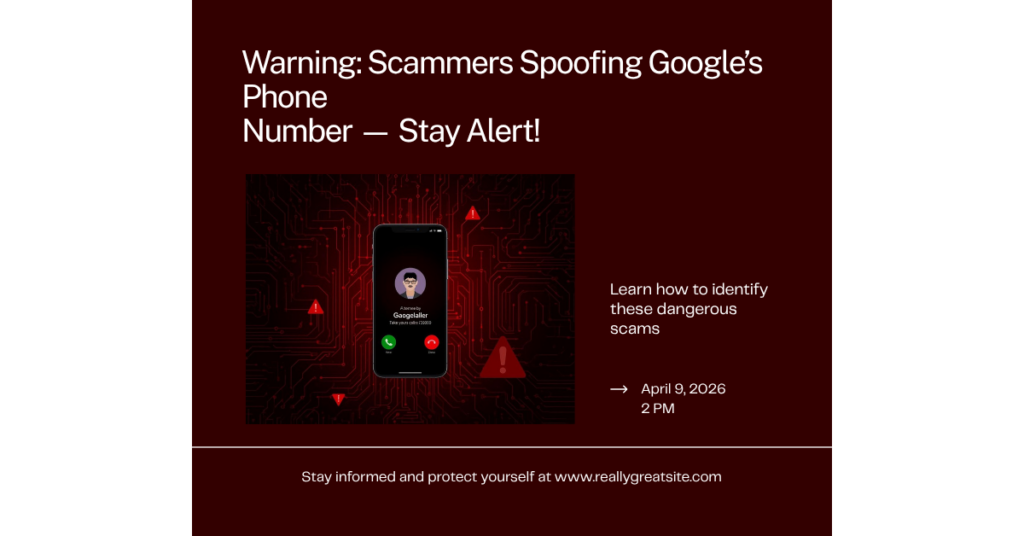
Warning: Scammers Are Spoofing Google’s Phone Number — Here’s What to Watch For
A convincing new phone scam is circulating, and we want to make sure you and your team know about it before someone gets caught off guard.
This one is particularly clever because the caller ID looks legitimate — it shows a real Google phone number. The call sounds official. And it’s designed to create just enough panic to make you act before you think.
How the Scam Works
Here’s exactly what happens:
- You get a call that looks like it’s from Google. Attackers are spoofing official Google phone numbers so the caller ID checks out. It’s not a shady unknown number — it looks like the real thing.
- An automated message plays. It tells you that a “legacy request” has been submitted for the Gmail account tied to your phone — meaning someone has claimed you’re deceased and is trying to recover your account. It asks you to press 1 if you’re not deceased and want to speak with Google’s security team, or press 2 if you’re a family member of the deceased who started the request.
- If you press anything, a real person picks up. They identify themselves as a Google employee, give you a fake badge number, and sound completely professional. They tell you they need to verify your identity to protect your account.
- They direct you to a fake login page. The site looks 100% identical to Google’s actual sign-in page. You type in your credentials — and the attacker now has full access to your Google account.
The “deceased person” angle is intentional. It creates an unusual, unsettling scenario that short-circuits your normal skepticism. Your first instinct is to prove you’re alive and protect your account — not to question whether the call is real.
What to Do If You Get This Call
- Hang up immediately. Do not press 1 or 2, even out of curiosity.
- Do not call the number back. Even if it looks like a real Google number.
- Do not visit any link they send or tell you about. Always go directly to google.com yourself by typing it in your browser.
- Check your account directly. If you’re genuinely worried about unauthorized access, go to myaccount.google.com/security and review recent activity there.
The Rule That Never Changes
Google will never call you, ask you to press buttons, or redirect you to a login page over the phone.
This applies to Microsoft, Apple, your bank, and us too. Legitimate companies don’t initiate unsolicited calls demanding you verify credentials under time pressure. That’s always a scam.
If you ever receive a call claiming to be from Boston Managed IT that asks for credentials, a login, or to install something — hang up and call us directly at (617) 319-0566. We’d rather you interrupt a real call than fall for a fake one.
Why These Scams Keep Getting Better
Caller ID spoofing, AI-generated voices, and pixel-perfect fake login pages have dramatically lowered the barrier for attackers. A scam that once required technical sophistication can now be run by anyone willing to buy the right tools.
Your best defense isn’t a technical one — it’s a behavioral one. Pause before you act. Verify through a channel you control. That one habit stops the vast majority of social engineering attacks cold.
Share this post with your team. The more people who recognize this pattern, the harder it is for attackers to pull off.
Stay sharp out there.
— The Boston Managed IT Team
Need help reviewing your account security or training your team on phishing awareness? Reach out at support@bostonmit.com or call (617) 319-0566.