Password managers keep our online accounts safe. They store all our passwords in one place. But are they hackable?
What Are Password Managers?
Password managers are like digital vaults: they save all your passwords inside themselves. You need only remember one master password, of course. This makes keeping a lot of accounts much easier to handle.
How Do They Work?
You make one main password. The manager scrambles your passwords. What this means is, it changes them into an unreadable format without a key.
Why Use Them?
People use password managers out of convenience and security. One single factor is the difficulty in remembering several strong passwords. A password manager allows you to generate and securely store all these.
Can Password Managers be Hacked?
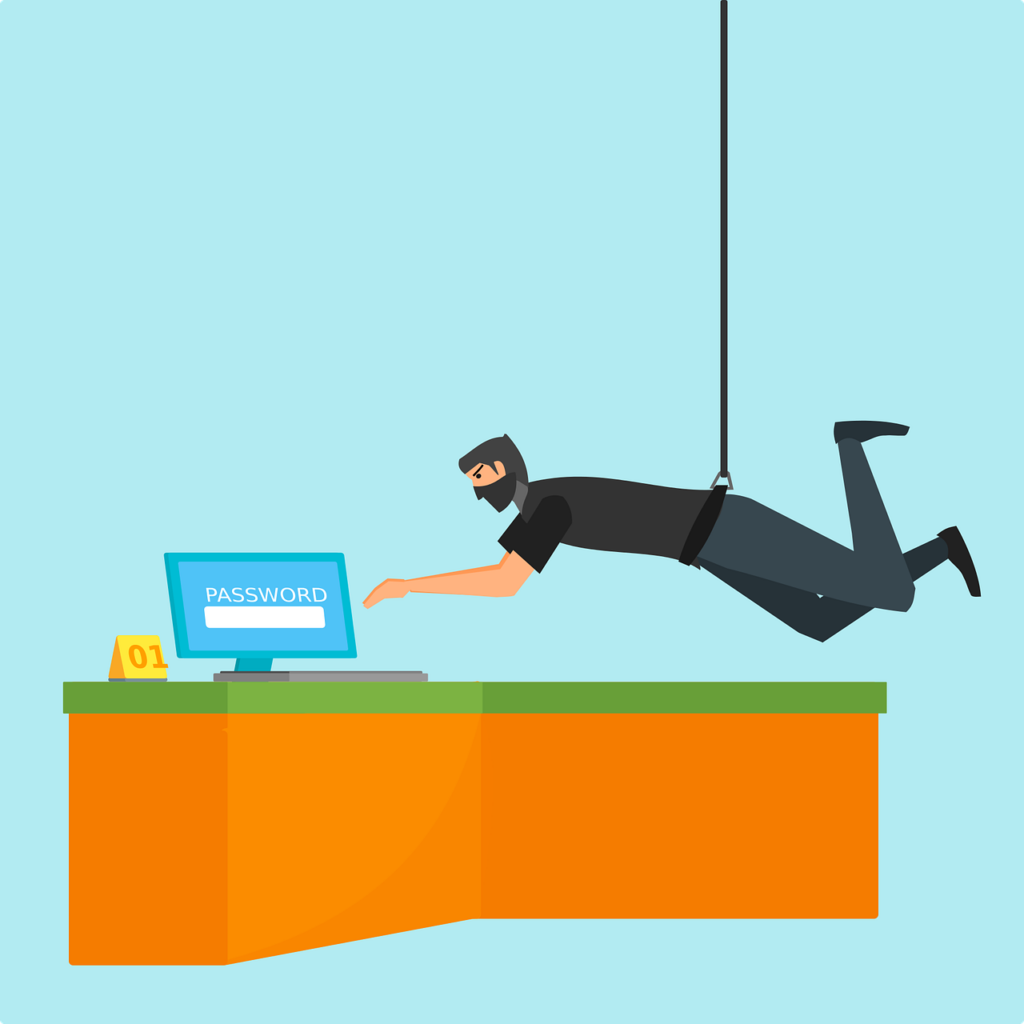
They always hunt for ways to steal your information. However, breaking into a password manager is not easy.
Security Measures
Password managers use very strong encryption. This makes them barely readable by hackers. They are also using two-factor authentication-2FA. The addition of this adds a layer of security.
No system is perfect. If a hacker gets your master password, then they can access your vault. A few managers have had security issues in the past, but these are rare.
How Can You Protect Your Password Manager?
You can take steps to keep your password manager safe.
Choose a Strong Master Password
Make your master password long and unique. Use a mix of letters, numbers, and symbols.
Enable Two-Factor Authentication
2FA adds a layer of security. Even if someone knows your password, they need another code to log in.
Keep Software Up-to-Date
Always update your password manager. Updates fix security issues and keep your data safe.
What Happens If a Password Manager Gets Hacked?
If a password manager gets hacked, it can be serious. Hackers could access all your passwords.
Immediate Actions
Change your master password immediately. Decide which accounts could be affected and change their passwords as well.
Long-Term Solutions
Consider shifting to another password manager if it has been compromised anytime earlier. Keep up to date with any security news about your manager.
Is the Use of Password Managers Worth the Risk?
Despite the risks, many people still use password managers. They make managing passwords much easier. It’s also safer than trying to remember them all yourself.
Benefits Outweigh Risks
The benefits of using a password manager usually outweigh the risks. They help you create strong, unique passwords for each account.
Trustworthy Options
Choose a reputable password manager with good reviews and security features. Do some research before deciding which one to use.
Take Control of Your Online Security Today!
Using a password manager will go a long way in enhancing your online security. Remember to choose a strong master password. You should also use two-factor authentication and keep your software updated.
If you have any questions or need help in the selection of a password manager, contact us today!
—
This Article has been Republished with Permission from The Technology Press.