
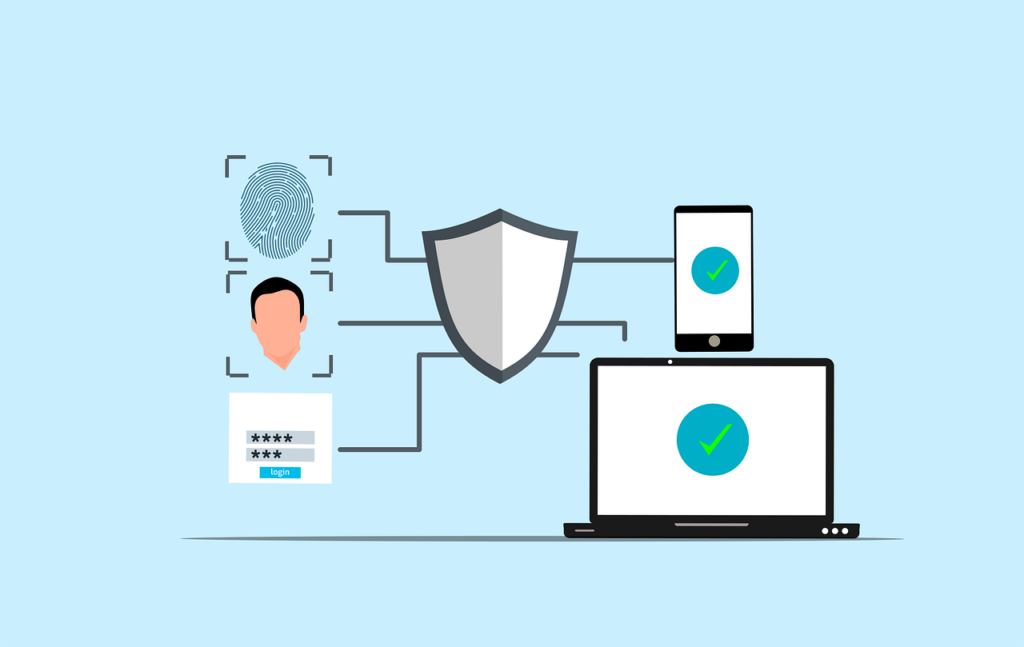
The Cyber Trust Mark is a new smart device label created by the US government to prove that a device is safe. Internet of Things (IOT) devices have risen in popularity recently. Devices like smart thermostats and baby monitors make our lives easier, but also open us up to cyber threats.
There were over 112 million IoT cyber attacks worldwide in 2022, and this number continues to grow. With an increase in AI-powered attacks, an 82% increase was expected in 2024. The United States created new standards to confirm a device is safe.
As a result, you may see a shield with the “U.S. Cyber Trust Mark” when device shopping. Let’s take a look at what this means and how you can use this new feature next time you make a purchase.
What is the Cyber Trust Mark?
Smart devices are everywhere nowadays, from our homes to offices. Yet, some such devices are still insecure, leaving openings for hackers to steal our info and spy on us. In 2023, TVs, smart plugs, and digital video recorders had the most IoT vulnerabilities and attacks. Many more types of devices may be dangerous without our knowledge.
This problem is now being solved through the Cyber Trust Mark. It will tell you which device is safe without a doubt. Even if you’re not tech-savvy, you can purchase with confidence.
How Does a Device Get the Cyber Trust Mark?
To get the U.S. Cyber Trust Mark, a device has to undergo tests to verify its security. These tests cover several points and examine things like:
- Password strength
- Data protection
- Software updates
First, the device should have strong passwords. Weak passwords are easily guessed by hackers. This is one of the most common ways cybercriminals hack into devices. Next, the device should keep your information safe. It should use appropriate methods to lock up your data for privacy and security.
The device should also be regularly updated. These updates fix problems and keep the device safe from hackers. Devices with frequent updates are more secure than others.
How Often are the Standards That Define the Cyber Trust Mark Updated?
The standards of the mark will change over time. New threats keep appearing, and the government will update the standards to cope with these. This way, the mark will always stand for good security.
Retesting of the devices might sometimes be necessary. This helps to ensure that they still meet the standards.
How Can Companies Get the Mark for Their Devices?
Companies have to apply to get the mark. They send their devices for testing, and if it passes, it gets the mark. The company can then put the mark on the box of the device.
This requires time and costs, but it’s worth it for businesses. It can help them sell more devices with an increase in consumer trust.
When Will We See the Cyber Trust Mark?
It is new, but the mark will start showing up on devices soon. They want stores to start using it immediately, meaning the next time we go shopping, we may see it. Many types of smart devices may obtain the Cyber Trust Mark, including but not limited to the following:
- Smart TVs
- Smart speakers
- Security cameras
- Smart thermostats
- Smart locks
How Does the Mark Help Consumers?
The Cyber Trust Mark makes shopping simpler. It doesn’t require any technical knowledge. All you have to do is look for the mark to confirm which device is safe.
The mark also encourages companies to make safer devices. They want the mark, so they work harder at security.
What if a Device Doesn’t Have the Mark?
If a device doesn’t have the mark, that doesn’t mean it’s not safe. In this case, you should look into its safety features. You may also ask the store or check online for more information.
Wherever possible, it’s best to choose devices that carry the mark. This way, you can be sure they have passed important safety tests.
What to Do If You Already Have Smart Devices?
If you already have smart devices, don’t worry. You can still take steps to make them safer, even without the trust mark.
Here are some tips:
- Change default passwords
- Keep the software updated
- Turn off features you don’t use
- Use a strong Wi-Fi password
Follow these steps to help protect your devices and your info.
What’s Next for Smart Device Safety?
The Cyber Trust Mark is a big step for device safety, but it’s just the beginning. We’ll see more changes in the future. These may include:
- Stricter standards for the mark
- More types of devices getting the mark
- Better ways to test device safety
The goal is to make all our smart devices safer to protect our info and our privacy. For now, the mark will only apply within the U.S., but other countries may create something similar in the future.
Stay Safe and Smart
The Cyber Trust Mark helps us in making informed choices; it’s an easy way to know what devices are safe. When you shop, look for the mark. It’s your sign of a trustworthy device.
Keep in mind that device safety is constantly changing. Keep yourself informed about new threats and safety tips.
If you have any questions about device safety, don’t be afraid to ask. Contact us today for help making your smart home safe and secure.
—
Featured Image Credit
This Article has been Republished with Permission from The Technology Press.