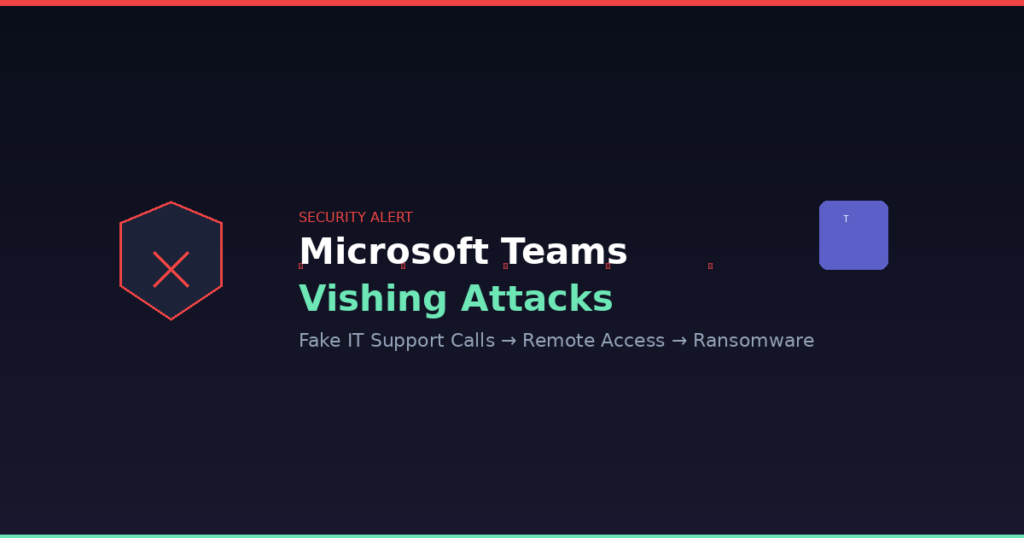
A new wave of attacks is hitting businesses through Microsoft Teams — and it’s catching people off guard because it looks and feels like a legitimate help desk call.
What’s Happening
Ransomware groups (including those behind Black Basta) are impersonating IT support directly inside Microsoft Teams. Here’s how the attack plays out:
1. The spam flood. An employee gets bombarded with thousands of junk emails in under an hour — sometimes 3,000+ messages in 45 minutes. It’s designed to create panic and make the next step feel like a rescue.
2. The “help desk” call. Shortly after, a Teams call comes in from what appears to be your IT department or MSP. The display name is spoofed to look like a real admin. They say: “We noticed your inbox is getting hammered — let us help fix it.”
3. The handoff. The attacker convinces the employee to share their screen via Teams or launch Quick Assist (a built-in Windows remote support tool). Now the attacker has hands-on access to the machine.
4. The payload. Once in, they drop backdoors disguised as legitimate software updates (ProtonVPN, OneDrive updaters), harvest credentials, scan the network, and deploy ransomware.
This isn’t theoretical. Microsoft published a detailed incident report on March 16, 2026 documenting this exact attack chain in the wild, tracked under threat groups STAC5143 and STAC5777 (Storm-1811).
Why It Works
– Teams calls feel internal. Unlike a random phone call, a Teams notification from “IT Support” feels trustworthy — especially in organizations that use an MSP for IT.
– Quick Assist is built into Windows. There’s nothing to install. The attacker just asks the user to open something that’s already on their computer.
– The spam creates urgency. When your inbox explodes, you want someone to fix it immediately.
What Boston Managed IT Is Doing About It
We’ve already taken action across our managed client base:
– External Teams calls and messages are blocked by default. If someone outside your organization tries to call or message your team on Teams, it won’t go through unless explicitly allowed.
– Quick Assist is disabled on managed endpoints where it’s not required for business operations.
– Conditional Access policies ensure that even if credentials are compromised, attackers can’t authenticate from unmanaged devices.
– Our techs will never cold-call you on Teams and ask you to share your screen. If we need remote access, we initiate it through our documented support process — never through an unsolicited Teams call.
What Your Team Should Know
Share this with your staff:
– If you get an unexpected Teams call from “IT Support” — hang up and call us directly. Our support number is (617) 322-5155. If it’s really us, we’ll know about it.
– Never share your screen or launch Quick Assist because someone on Teams asked you to. Legitimate IT support will coordinate through your normal ticketing process.
– A sudden flood of spam emails followed by a “helpful” call is the signature pattern. If both happen close together, it’s almost certainly an attack.
– Report it immediately. Email support@bostonmit.com or call us. Fast reporting lets us lock down the account before damage spreads.
The Bigger Picture
This attack works because it exploits trust, not technical vulnerabilities. Your firewall and antivirus won’t stop an employee from voluntarily sharing their screen with someone they believe is IT support.
The defense is a combination of technical controls (blocking external Teams access, disabling Quick Assist) and awareness (your people knowing that real IT support doesn’t work this way).
If you’re not sure whether your organization is protected against this, reach out. We can audit your Teams external access settings and endpoint policies in under an hour.
Boston Managed IT | (617) 322-5155 | support@bostonmit.com